
VDS Start
₺899.00 / month
- 4 ayrılmış çekirdek
- 8 GB RAM
- 200 GB NVMe
- 10 TB Trafik
- 1 IPv4
Run co-op, versus, survival and scavenge sessions non-stop with Valve’s Source Dedicated Server, with plugins and under your own rules.
Quick answer
Left 4 Dead 2 server hosting means installing Valve’s Source Dedicated Server (SRCDS) with SteamCMD app ID 222860 and running it on an always-on server. The server runs on Windows and Linux, uses port 27015 by default and gains plugin support through SourceMod. Resource needs are low, so several instances fit on one server. At LIONFIN you can install it on a VDS server or request a ready-made installation through a support ticket.
There is no ready-made package for this use yet; these servers give you full control to install it yourself, or you can request setup through a support ticket. You complete the order on our Turkish store page.
₺899.00 / month
₺1,599.00 / month
₺2,899.00 / month
| Usage | RAM | vCPU | Disk |
|---|---|---|---|
| Co-op / realism, 4 players | 1–2 GB | 1–2 | 20 GB NVMe |
| Versus / scavenge, 8 players | 2 GB | 2 | 20 GB NVMe |
| 10–16 players extended with plugins | 2–4 GB | 2 | 25 GB NVMe |
| 3–5 separate server instances | 6–8 GB | 4 | 60 GB NVMe |
Estimates; actual needs depend on mods, plugins and settings.
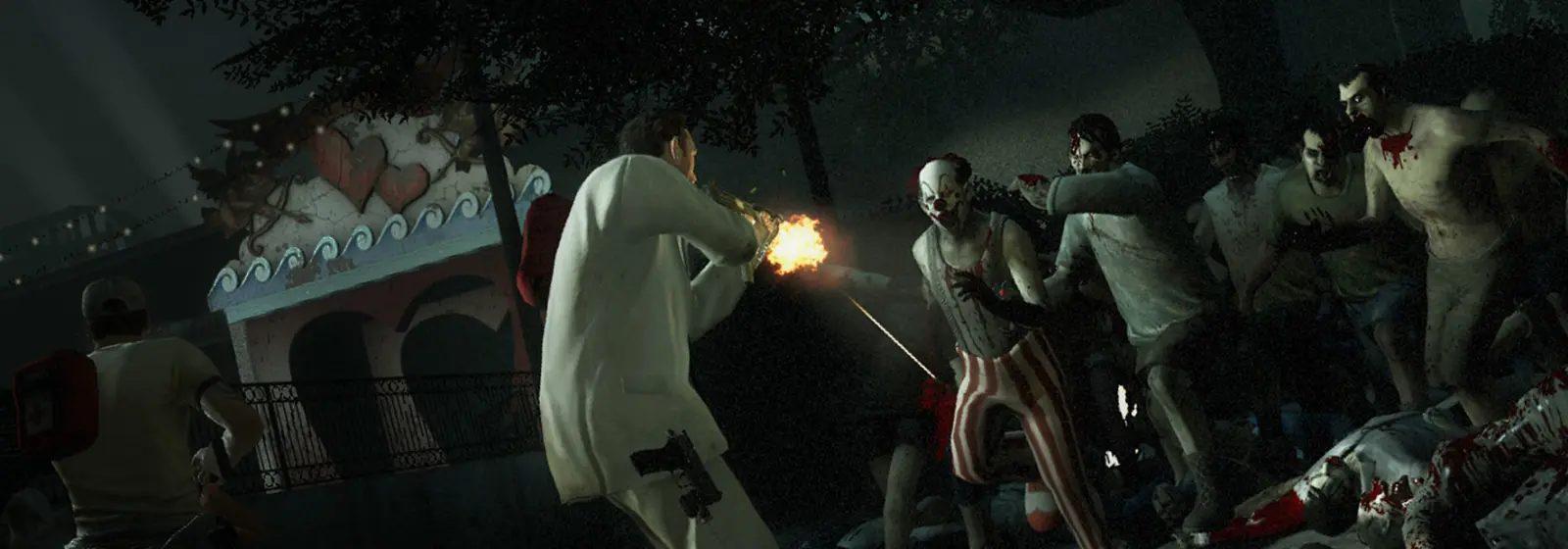
A Left 4 Dead 2 server is a separate program called Source Dedicated Server (SRCDS) that hosts sessions for Valve’s Source-engine zombie shooter. Years after release the game still has an active community, largely thanks to the plugins, custom campaigns and modified game modes that community servers offer.
Typical reasons to open your own server:
The game’s official matchmaking relies on finding an empty official server from the lobby; your own server gives you an environment where your settings, plugins and admins persist. Left 4 Dead 2 server hosting needs few resources, so running several instances dedicated to different modes on one virtual server is common.
| Mode | Players | Server-side note |
|---|---|---|
| Co-op | 4 survivors | The AI Director calculates zombie hordes |
| Realism | 4 survivors | Same load as co-op; extra visual restrictions are client-side |
| Versus | 4v4 | Competitive; plugin and rule balance matter |
| Survival | 4 survivors | Continuous waves; CPU load rises at peak moments |
| Scavenge | 4v4 | Short rounds; resource profile similar to versus |
Deciding up front which modes your server allows simplifies plugin choice and resource planning. A competitive versus community and a relaxed co-op group usually want different plugin sets, so opening two separate instances is often the cleanest solution. Giving each instance its own name and description also helps players find the right server quickly in the browser.
The Left 4 Dead 2 dedicated server runs on both Windows and Linux; most community servers choose Linux for its low resource use and easy automation. Server files are downloaded with SteamCMD using an anonymous login.
steamcmd +force_install_dir /home/l4d2/server +login anonymous +app_update 222860 validate +quitDifferences between the two systems:
screen, tmux or as a systemd service is common. Community tools such as LinuxGSM automate updates and monitoring.srcds.exe; more familiar for those used to file management and remote desktop, but more memory is reserved than on Linux with the same hardware.SourceMod and MetaMod:Source work on both platforms; compiled plugin .smx files are platform-independent, while extensions have platform-specific builds.
A Left 4 Dead 2 server is very light compared with modern game servers; for standard four-player co-op or eight-player versus, 1–2 GB of RAM and two cores are estimated to be enough. The Source engine mostly uses a single core on the server side, so single-core speed matters more than core count.
Factors that increase resource use:
On disk, server files and custom campaigns take up space; large community campaigns can be hundreds of megabytes. The table above summarises estimates for these scenarios.
In practice, memory is rarely the bottleneck on L4D2 servers; the problem usually shows up as a single core maxing out at busy moments. Finales, Tank attacks and survival waves are typical examples. When you first set up the server, playing such a section with a full team while watching CPU usage is the quickest test of whether your plugin and tick settings suit the hardware. If usage keeps hitting the limit, reduce plugin load first, then consider a plan with faster cores.
For Left 4 Dead 2 the page shows VDS packages; you can install the server on a VDS yourself or request a ready-made installation through a support ticket. Because SRCDS is lightweight, you can run co-op, versus and custom campaign servers together on different ports on a single VDS, which makes a VDS efficient for communities running several servers.
What you gain with a VDS:
server.cfg and plugin set for each instance.For a single small co-op server, a smaller VPS may be enough; if you plan several instances and side services, a VDS gives you more headroom. For a detailed comparison of the two models see game server package or VDS?. For package capacities, rely on the current values in the package table on this page.
By default a Left 4 Dead 2 server uses port 27015/UDP for game traffic; remote administration (RCON) runs over the TCP port with the same number. The port can be changed with the -port parameter on the launch line, and each instance on the same machine must use a different port.
| Port | Protocol | Purpose |
|---|---|---|
| 27015 | UDP | Player connections and server queries |
| 27015 | TCP | RCON remote console |
| 27016, 27017… | UDP/TCP | Suggested sequence for extra server instances |
Sample launch line:
./srcds_run -game left4dead2 -port 27015 +map c1m1_hotel +maxplayers 8 -consoleIf you do not use RCON, keep the TCP port closed in the firewall; if you do, set a strong rcon_password and restrict access to your own IP address where possible. Add the rules with ufw on Linux or Defender Firewall on Windows.
left4dead2/cfg/server.cfg is the core config file executed every time the server loads a map; it contains the server name, passwords, game mode, difficulty and network settings. Each line is a console variable (cvar) or command.
Commonly used variables:
hostname: the name shown in the server browser.rcon_password: remote console password; RCON is disabled if left empty.sv_password: join password; handy for friends-only servers.mp_gamemode: coop, realism, versus, survival or scavenge.z_difficulty: co-op difficulty level (Easy, Normal, Hard, Impossible).sv_allow_lobby_connect_only: when set to 0, players can connect directly by IP without a lobby.sv_steamgroup: links the server to a Steam group so members can find it through the lobby.sv_gametypes: restricts which game modes the server accepts.The player limit is set with +maxplayers on the launch line; the standard game is designed for four players in co-op and eight in versus. Higher values need a plugin. After changing settings, reload the map or restart the server.
Plugin support is added to a Left 4 Dead 2 server by installing MetaMod:Source first and then SourceMod; both frameworks are extracted into the server’s left4dead2/addons folder and load when the server restarts. After installation you can verify with the sm version and meta version console commands.
Common plugin types on community servers:
addons/sourcemod/configs/admins_simple.ini.After every game update, check that SourceMod and its extensions are compatible with the new version; some plugins may not work until the signature (gamedata) files are updated. Download plugins only from well-known sources such as AlliedModders. If you also run other Source games, see Team Fortress 2 server hosting and Garry’s Mod server hosting.
Custom campaigns are added by copying their .vpk package files into the server’s left4dead2/addons folder; players must also have the same campaign installed in their game. Since community campaigns are mostly published on Steam Workshop, asking players to subscribe to the campaign is the easiest way.
A trouble-free custom campaign process:
map in the console and pressing Tab)..vpk file to the server’s addons folder and restart the server.changelevel or an admin plugin.For large custom content, setting up FastDL (fast download) lets players download missing files from a web server instead of the game server; the sv_downloadurl variable specifies that address. You can host it with a small web server on the same VDS. As you add more campaigns, watch disk usage and remove unused packages; too much addons content can slow server start-up.
Performance on a Left 4 Dead 2 server is shaped mostly by tick rate, rate settings and plugin load; with the right balance you get a smooth game even on modest resources. The default configuration was tuned for network conditions at the time of the game’s release; on today’s connections community servers usually raise these values.
sv_minrate, sv_maxrate, sv_mincmdrate and sv_minupdaterate; otherwise clients cannot benefit from the higher tick.disabled folder.When players complain about lag, use the net_graph output in the console to tell server-side problems from network-side ones.
Protecting a Left 4 Dead 2 server rests on a strong RCON password, a short admin list, an up-to-date SourceMod and network-level attack filtering. Source-engine servers have been around for a long time, so they can be targeted by well-known query-based attacks and fake connection attempts.
On LIONFIN infrastructure, traffic is filtered at the network level by the RouteFence firewall and NOC and SOC teams monitor 24/7 for DDoS attacks (see our data center). On the server side, apply the following:
rcon_password long and unguessable; if you do not use RCON, leave it empty to disable it.Valve Anti-Cheat (VAC) is enabled by default; starting the server with the -insecure parameter disables VAC and is not recommended on public servers.
The data worth backing up on a Left 4 Dead 2 server is the cfg folder, the SourceMod configs and plugins in the addons folder and custom campaign files; the game has no persistent world save, so backups are quick and small. Still, losing a carefully tuned plugin set is more work than reinstalling the server.
left4dead2/cfg and left4dead2/addons folders with a date stamp.To update, stop the server and run app_update 222860 validate in SteamCMD. Because the validate parameter can restore modified game files to their originals, back up your own config files beforehand. After a game update, make sure SourceMod’s gamedata files are current; otherwise some plugins will throw errors.
The most frequent Left 4 Dead 2 server problems are players not finding the server through the lobby, missing custom campaign files, plugin incompatibilities and missing 32-bit libraries on Linux. The server console and SourceMod logs (addons/sourcemod/logs) show the cause of most issues.
sv_allow_lobby_connect_only is 1; set it to 0.sv_steamgroup is not set or the players are not members of the group.steamclient.so cannot be found.-insecure parameter.If you cannot solve it, open a ticket from the Support section of the LIONFIN customer panel with the console output.
Prepare the server
Install Ubuntu or Windows Server on a VDS; on Linux, install the 32-bit libraries and SteamCMD.
Download the game files
Log in to SteamCMD anonymously and download app ID 222860 with the validate parameter.
Create server.cfg
Set hostname, rcon_password, mp_gamemode and sv_allow_lobby_connect_only in left4dead2/cfg/server.cfg.
Open the port
Open UDP port 27015 in the firewall, and TCP port 27015 if you will use RCON.
Install the plugin framework
Extract MetaMod:Source and SourceMod into the addons folder and add admins to admins_simple.ini.
Start the server
Start it with srcds_run or srcds.exe using -game left4dead2 -port 27015 +map and test the connection.
The game is designed for four players in co-op and realism and eight players (4v4) in versus and scavenge. Community extensions such as L4DToolZ and team-balancing plugins can raise this limit, but it is an unofficial configuration and compatibility should be checked after every update.
Yes. The Left 4 Dead 2 dedicated server is available for Linux and Windows, and most community servers use Linux. On Linux, SRCDS needs 32-bit libraries, so those packages must be installed along with SteamCMD. Tools such as LinuxGSM make management easier.
Set sv_allow_lobby_connect_only to 0 in server.cfg and restart the server. Players can then open the developer console and connect with the connect command and the server’s IP:port. If this setting is on, the server accepts only connections that come through the lobby.
Copy the campaign’s .vpk file into the server’s left4dead2/addons folder, restart the server and open the campaign’s first map. Players also need the same campaign installed; sharing the Workshop link is the easiest way. FastDL can be set up for large content.
After installing SourceMod, add your Steam ID and permission flags to addons/sourcemod/configs/admins_simple.ini, then change the map or restart the server. In the game you can open the admin menu with the sm_admin command.
Yes, the default tick rate can be raised with community plugins. When doing so you also need to raise the server’s rate, cmdrate and updaterate limits; otherwise players cannot benefit from the higher tick. A higher tick rate increases CPU and bandwidth use.
For a standard four-player co-op or eight-player versus server, 1–2 GB of RAM is estimated to be enough. For busy servers extended with plugins plan 2–4 GB, and if you run several instances on the same machine, around 6–8 GB in total is sensible.
Game updates can change signatures in the server files; until SourceMod’s gamedata files and some extensions are adapted to the new version, the affected plugins throw errors. Keep SourceMod up to date, check the error log and follow new releases of your extensions.
Yes. Install each instance in a separate folder or with a separate config and start it with a different -port value. Because SRCDS is lightweight, co-op, versus and custom campaign servers can comfortably run together on a single VDS.
Valve Anti-Cheat is enabled by default and runs as long as you start the server without the -insecure parameter. Some plugins may require that parameter; avoiding such plugins on public servers is recommended for player safety.